Personal security
Staying Anonymous Online
Most people online have no idea what they’re exposing when they browse, search or sign up for something. This isn’t about paranoia. It’s about knowing what each tool actually does so you can decide when it’s worth the friction.
- VPN hides
- Your IP address
- VPN doesn’t hide
- Your browser fingerprint
- Tor hides
- Your IP and your fingerprint
- Real risk
- Being linked to it later
Being anonymous online doesn’t mean being invisible. It means reducing what can be tied back to you afterwards. Almost no tracking works by name or face. It works on patterns: an IP address, a browser configuration, a device, a rhythm of behavior that repeats.
The danger isn’t that somebody is watching you in real time. It’s that months later, somebody connects one of those patterns to you by another route, and everything you did while carrying that pattern becomes attributable. That’s the risk worth designing around.
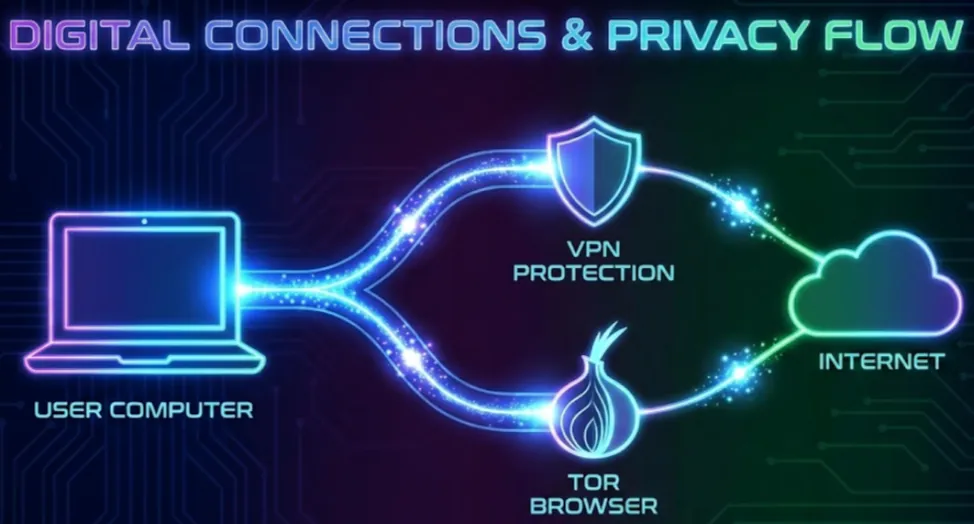
What a VPN actually does
A VPN hides your real IP address from the site you visit. The site sees the VPN’s address instead of yours. Your internet provider can see that you’re connected to a VPN, but not which sites you then reach.
What a VPN doesn’t do is hide your browser. The site can still read your browser type, operating system, screen dimensions, time zone, installed fonts, language and the precise way your machine renders graphics. Combined, those details are frequently unique to one computer on earth.
So a VPN protects location. It doesn’t protect identity at the browser level. That distinction is the whole game and most people never hear it.
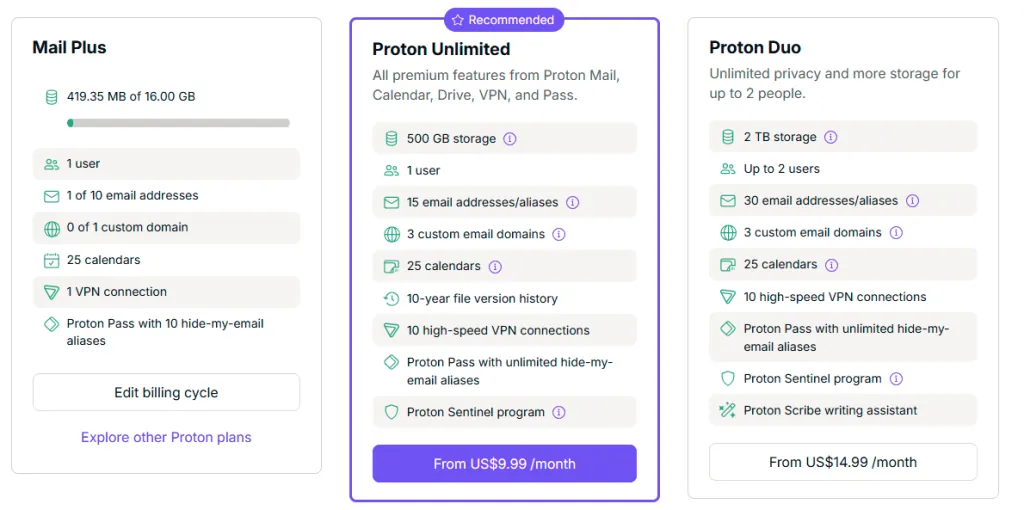
Which VPN. I use Proton, which bundles the VPN with encrypted mail, calendar and storage on one account. I am on the lower tier at about $5 a month and it covers what I need. This link gives you two weeks free and pays me a small commission if you subscribe.
What the Tor Browser adds
Tor does two things at once, and the second one is the one people miss.
First, it hides your IP address by routing your traffic through several relays before it reaches the site. The site never sees where you actually are.
Second, and more usefully, it standardizes your browser. Everybody running Tor Browser looks close to identical. Fonts are restricted. The window size is controlled. Common fingerprinting techniques are blocked or degraded. You stop being one machine in a billion and start being one of a crowd.
That’s the real value, because modern tracking leans on browser uniqueness far more than on IP addresses. Tor isn’t magic and it doesn’t make you permanently untraceable. What it does is strip away the stable identifiers that could be reused against you later.
Download it from the Tor Project and nowhere else.
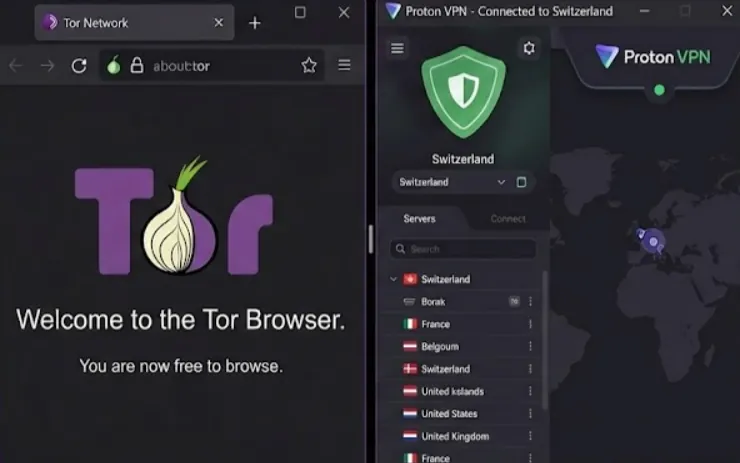
Side by side
| VPN | Tor Browser | |
|---|---|---|
| Site sees your IP | No — sees the VPN | No — sees an exit relay |
| Site sees a unique browser | Yes | No — you look like every other Tor user |
| Provider knows what you use | Sees a VPN connection | Sees Tor, unless you run a VPN first |
| Cookies | Unaffected | Isolated and cleared aggressively |
| Speed | Barely affected | Noticeably slower |
Why fingerprinting matters more than you think
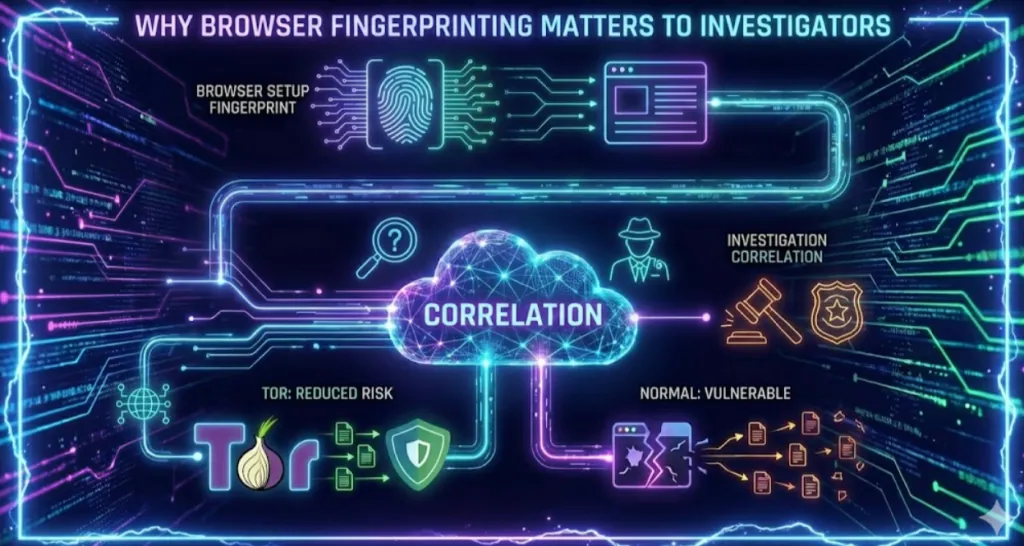
A browser fingerprint doesn’t identify a person. It identifies a browser setup. On its own that’s nothing.
The problem is correlation. If anybody — law enforcement, opposing counsel, a platform’s own logs — ever ties that setup to you through some unrelated event, every earlier session carrying the same fingerprint becomes yours too. That isn’t a theory about what might happen. That’s simply how correlation works, and it’s how a great deal of attribution is done.
Tor is designed against exactly this. Ordinary browsers aren’t.
Cookies
Cookies are still everywhere and a VPN does nothing about them. This is the most common way people believe they’re being careful when they aren’t. Hiding your IP address alone doesn’t stop tracking, because your IP address was never the main way you were being tracked.
When any of this actually matters
Most investigative work doesn’t need Tor. Ordinary browsing, public record searches and routine research don’t justify the friction, and the friction is real — Tor is slow, and a lot of sites block it outright.
It starts to matter when you’re researching a sensitive subject, working an adversarial target, or doing anything that could later be reviewed, challenged or subpoenaed. The concern isn’t real-time surveillance. It’s whether your research can be walked back to you afterwards.
The biggest mistake is treating anonymity as a switch you flip. It’s a set of trade-offs between convenience, exposure and necessity. Understanding what each tool does means you make that trade deliberately instead of guessing.
One practical rule. Don’t mix. If you use Tor for something, don’t sign into an account you use anywhere else while you’re in it. A single login undoes every layer underneath it.
Onion addresses worth having
These only work inside the Tor Browser. Onion addresses go down and change fairly often, so treat the list as a starting point rather than a permanent bookmark.
| Site | What it is for |
|---|---|
DuckDuckGoduckduckgogg42xjoc72x3sjasowoarfbgcmvfimaftt6twagswzczad.onion |
General searching with no logging |
Ahmiajuhanurmihxlp77nkq76byazcldy2hlmovfu2epvl5ankdibsot4csyd.onion |
Search engine that filters out illegal material |
Torchxmh57jrknzkhv6y3ls3ubitzfqnkrwxhopf5aygthi7d6rplyvk3noyd.onion |
Old and not especially good, and barely filtered. Use judgment |
dark.faildarkfailenbsdla5mal2mxn2uz66od5vtzd5qozslagrfzachha3f3id.onion |
Checks whether major onion sites are currently up |
Two things to be clear about. Nothing here requires you to visit anything illegal, and nothing here protects you if you do. Anonymity tools reduce correlation; they aren’t a defense.
The short version
You don’t have to be paranoid to be careful. Knowing what a VPN and Tor actually do lets you protect yourself when it counts and skip the overhead when it doesn’t. That’s the whole skill.
Course
Social Media Investigation
Finding, verifying and documenting what a subject has posted — including the material they thought they had deleted.
See the course